Today I learned something new about New Relic today that helps with separating applications in APM.
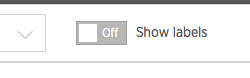
- First click on show labels
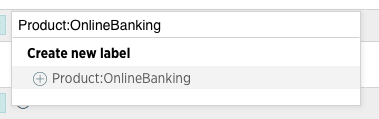
- Under your application you will see a ⊕ icon that will allow you to add an existing Category/Label or create a new one in the format of Category:Label
- After you set a few labels you can now use them in the search box above all of your applications.
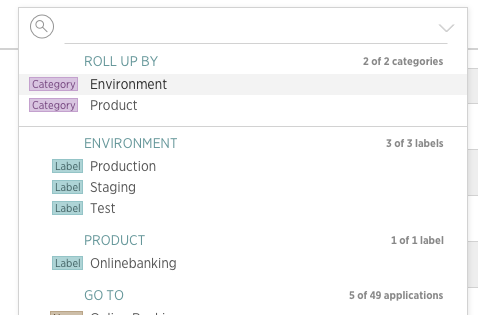
- If you click on one of the items in the search drop down you now can roll up to an environment or all applications tagged with a particular label.
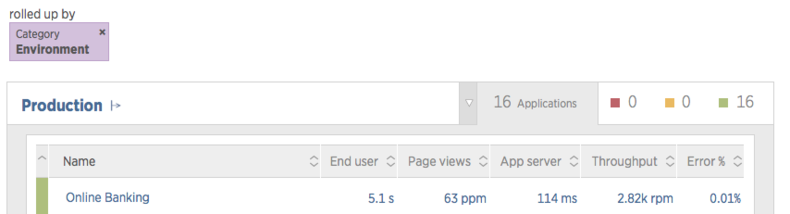
Now we have nice organized applications in the APM.