Generate Personal Access Token for Docker Login
Navigate over to the access token section in your profile.
Scope to api and set your expiration date.
store this key in your favorite password vault as it is not accessible after the generation process
docker login
docker login registry.gitlab.com

username: {your username for gitlab}
password: {the access toke you just crated}
build and push your image
cd site && bundle exec jekyll build
cd ..
docker build . -t registry.gitlab.com/markcoleman/vikingmill:1.0 -t registry.gitlab.com/markcoleman/vikingmill:latest
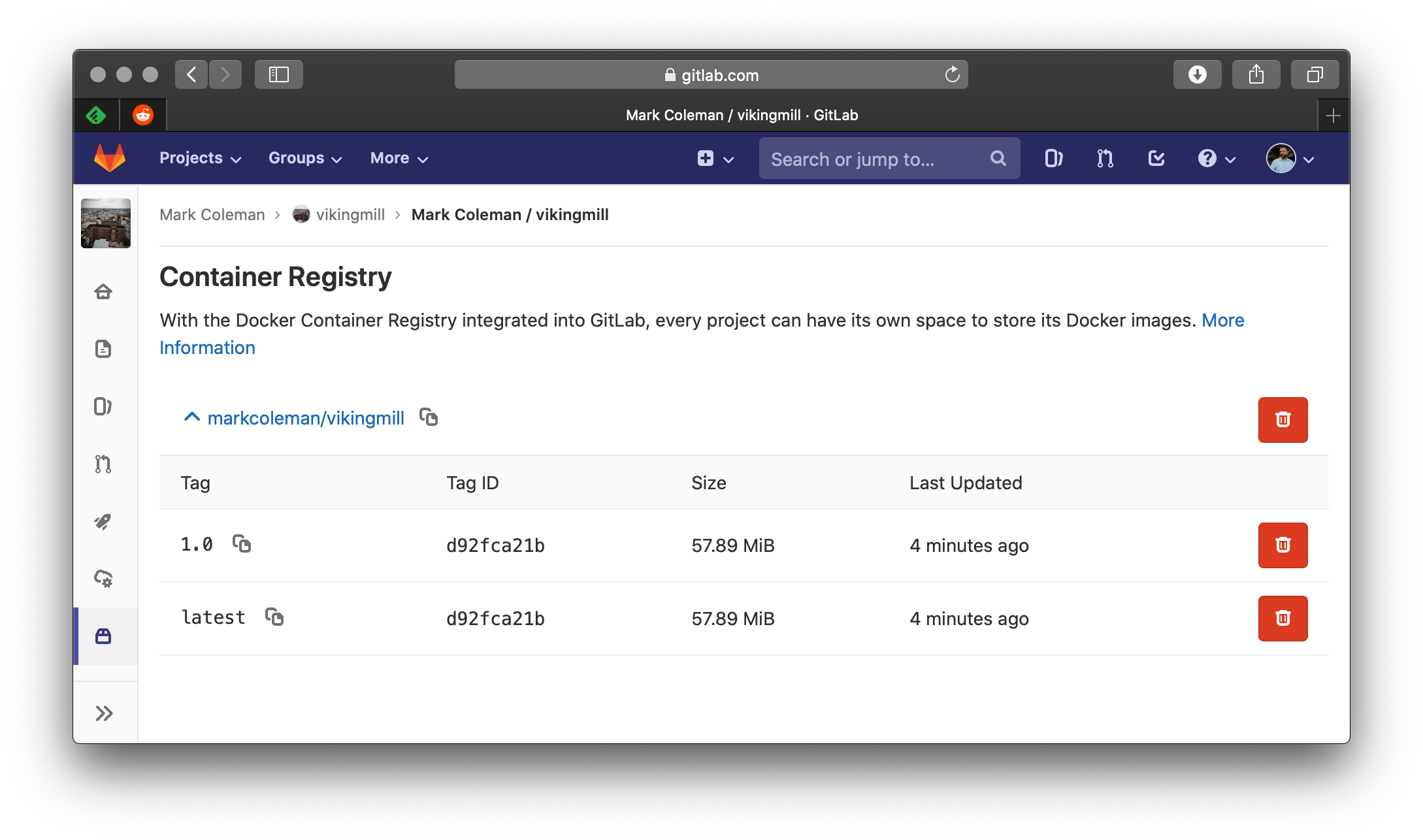
docker push registry.gitlab.com/markcoleman/vikingmill
tagged via a version and also latest
Container Registry