I was always unsure about using tightvncserver, it worked but got a strange error when remotely connecting to my pi. I might have had it configured wrong but decided to try out another package. Before I can do any of this I need to disable and remove tightvnc from running on startup which brought me to this answer.
stop the service
sudo service vncserver stop
remove it from startup
sudo update-rc.d -f vncserver remove
remove the package
sudo apt-get tightvncserver remove
Now that I have it uninstalled it is time to install RealVNC and this guide seems very promising from their website raspberry pi guide on RealVNC.
download the latest package
curl -L -o VNC.tar.gz https://www.realvnc.com/download/binary/latest/debian/arm/
extract the archive
tar xvf VNC.tar.gz
install the package with dpkg
sudo dpkg -i VNC-Server-5.2.3-Linux-ARM.deb VNC-Viewer-5.2.3-Linux-ARM.deb
setup the license
sudo vnclicense -add <license-key>
got the key from activation page
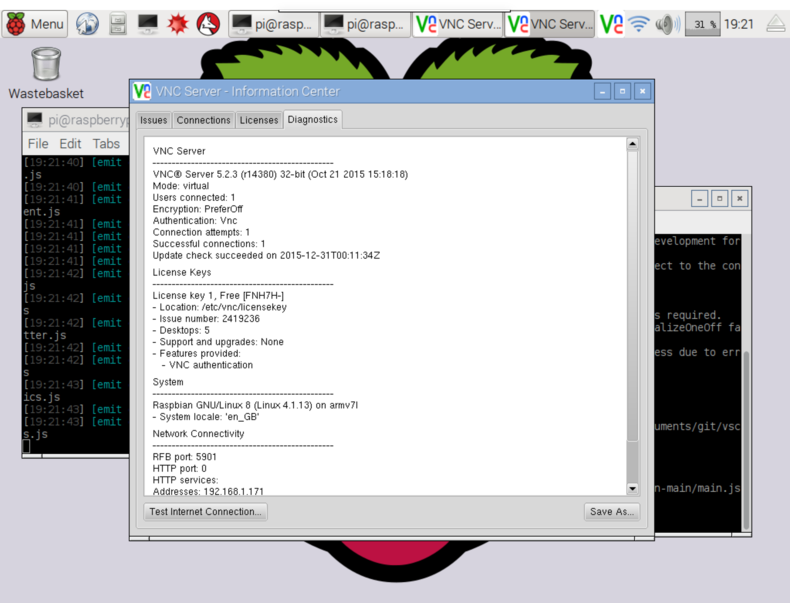 success! I however had to renter my key, my guess that was because I entered from the command line?
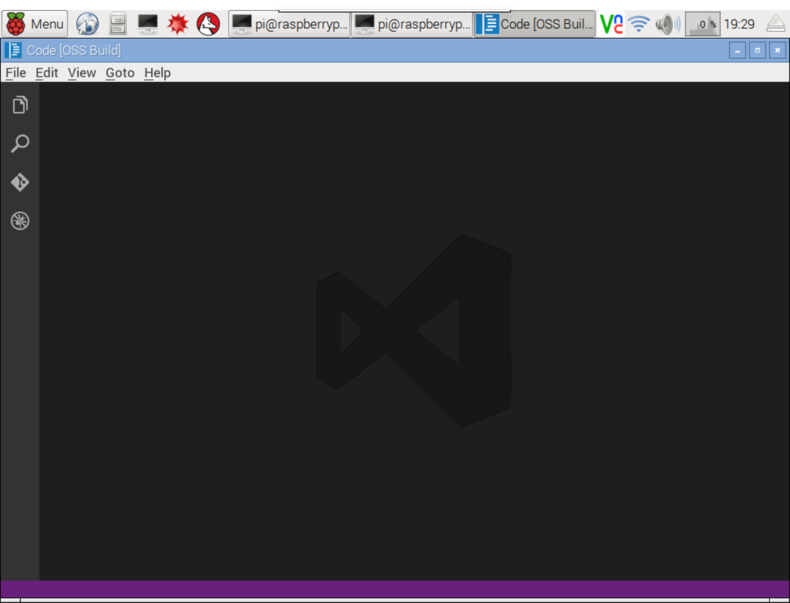
So why did I end up doing this? So I could run vscode as tightvnc did not support randr(at least I don’t think it did).
mental recap
- you can remove packages with
apt-get remove - deb packages are a lot easier to install